Design Exploration
Design Exploration
Micro Interaction
Micro Interaction
Comparative Analysis
Comparative Analysis
Lottie vs Rive: Comparative Analysis of Animation Tools for UI Micro-Interactions
Lottie vs Rive: Comparative Analysis of Animation Tools for UI Micro-Interactions
Lottie vs Rive: Comparative Analysis of Animation Tools for UI Micro-Interactions
Project Timeline
2023
2023
Industry
Documentation
Documentation
Client
Pupuk Indonesia
Pupuk Indonesia
Exploring how different animation tools shape micro-interactions and user experience in modern UI design.
Exploring how different animation tools shape micro-interactions and user experience in modern UI design.
Micro-interactions play a critical role in guiding users, providing feedback, and creating a sense of polish within digital products. As interfaces become more dynamic, the choice of animation tools directly influences not only visual quality but also development efficiency and long-term scalability.
Micro-interactions play a critical role in guiding users, providing feedback, and creating a sense of polish within digital products. As interfaces become more dynamic, the choice of animation tools directly influences not only visual quality but also development efficiency and long-term scalability.
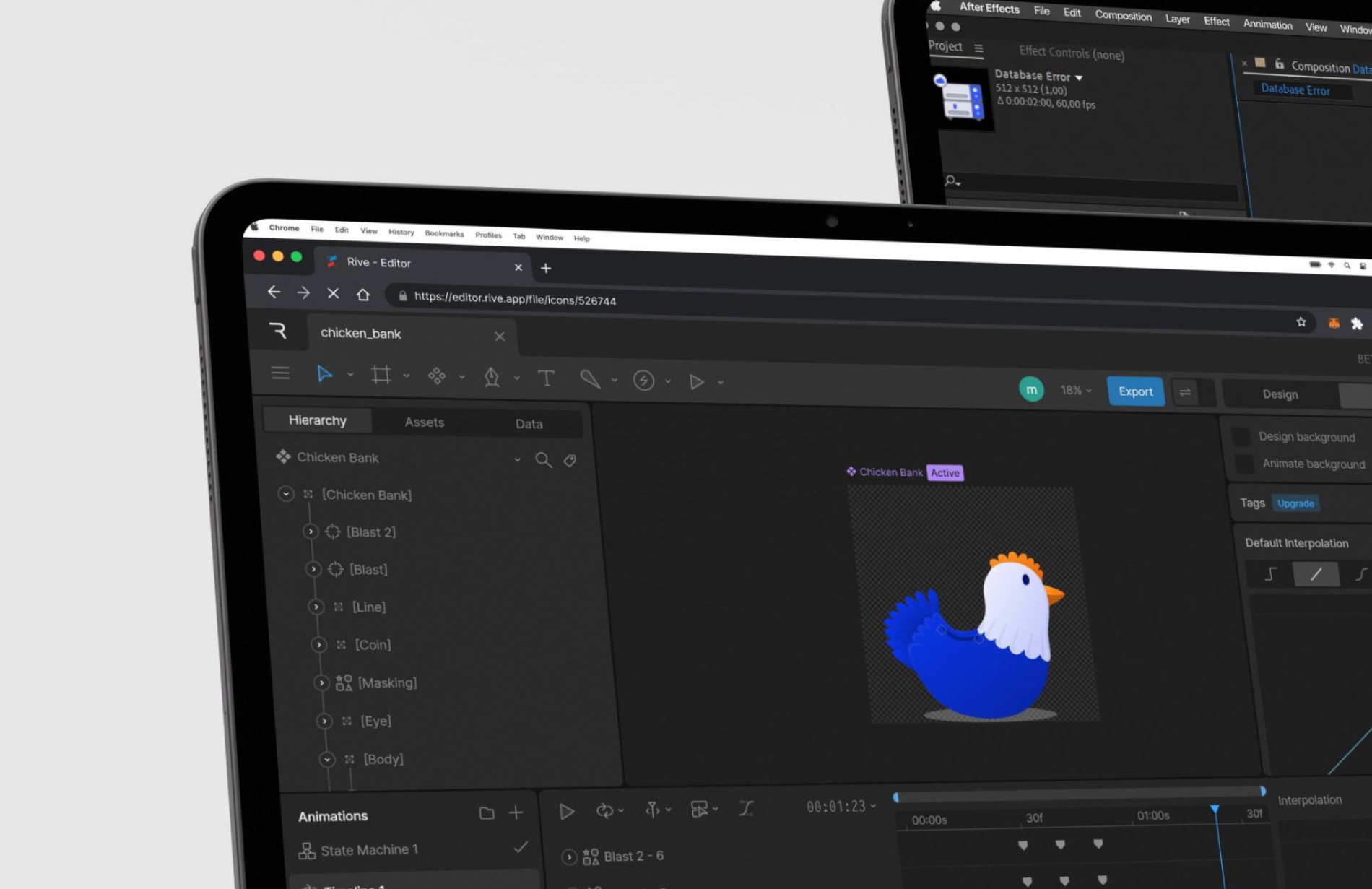
This case study explores the practical differences between Lottie and Rive through hands-on experimentation, focusing on how each tool performs in real UI scenarios. Rather than theoretical comparison, the analysis centers on usability, flexibility, and how each approach supports meaningful interaction design.
This case study explores the practical differences between Lottie and Rive through hands-on experimentation, focusing on how each tool performs in real UI scenarios. Rather than theoretical comparison, the analysis centers on usability, flexibility, and how each approach supports meaningful interaction design.

Challenge & Approach
Challenge & Approach
Designing micro-interactions often requires balancing expressive motion with technical constraints. While animations should feel responsive and engaging, they also need to remain lightweight, maintainable, and aligned with development workflows.
Designing micro-interactions often requires balancing expressive motion with technical constraints. While animations should feel responsive and engaging, they also need to remain lightweight, maintainable, and aligned with development workflows.
This case study explores the practical differences between Lottie and Rive through hands-on experimentation, focusing on how each tool performs in real UI scenarios. Rather than theoretical comparison, the analysis centers on usability, flexibility, and how each approach supports meaningful interaction design.
This case study explores the practical differences between Lottie and Rive through hands-on experimentation, focusing on how each tool performs in real UI scenarios. Rather than theoretical comparison, the analysis centers on usability, flexibility, and how each approach supports meaningful interaction design.
Design Proccess
Design Proccess
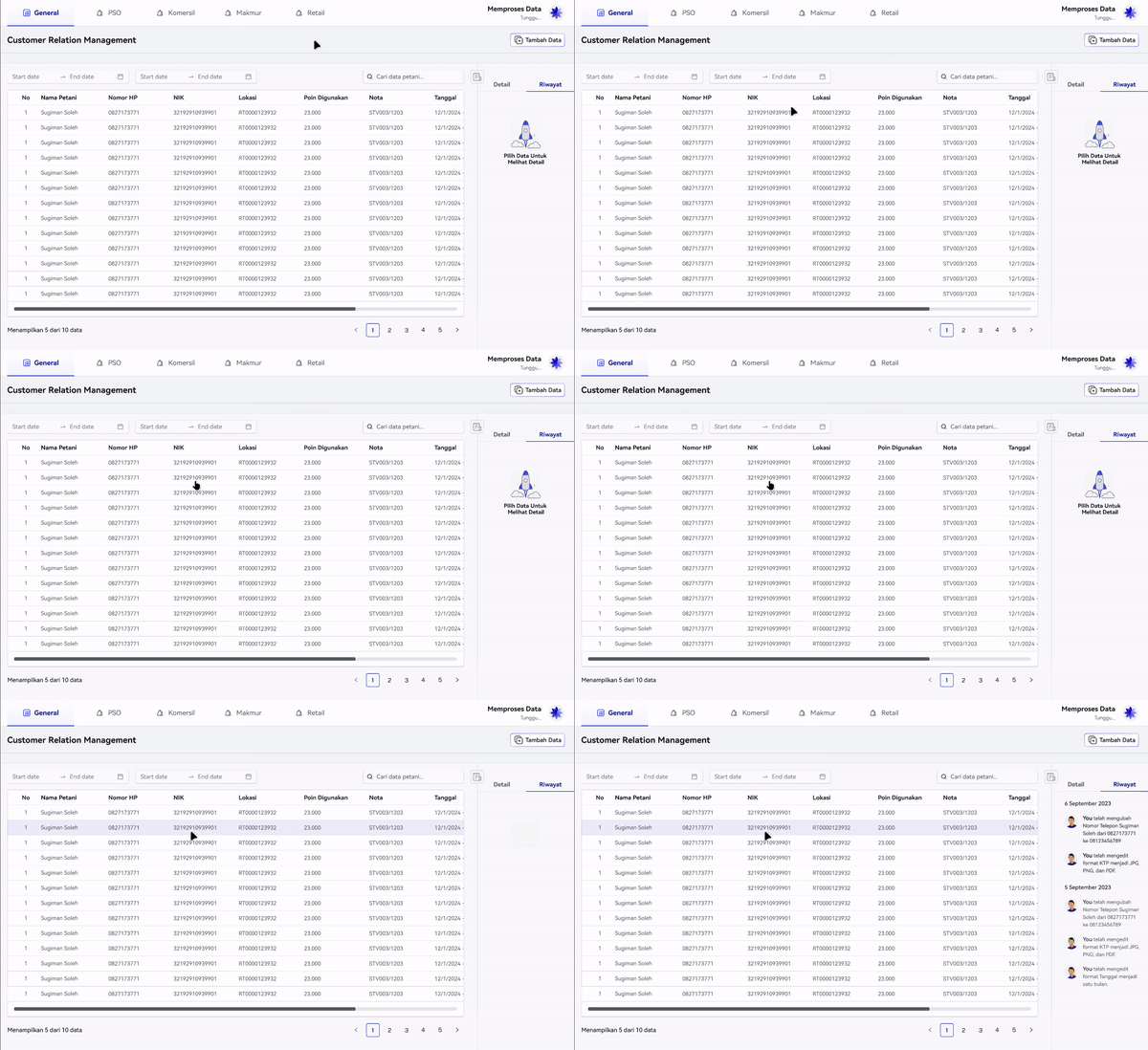
The process began by defining common micro-interaction use cases, such as button feedback, state transitions, and subtle UI responses. These interactions were intentionally kept consistent to allow a fair comparison between the two animation methods.
The process began by defining common micro-interaction use cases, such as button feedback, state transitions, and subtle UI responses. These interactions were intentionally kept consistent to allow a fair comparison between the two animation methods.
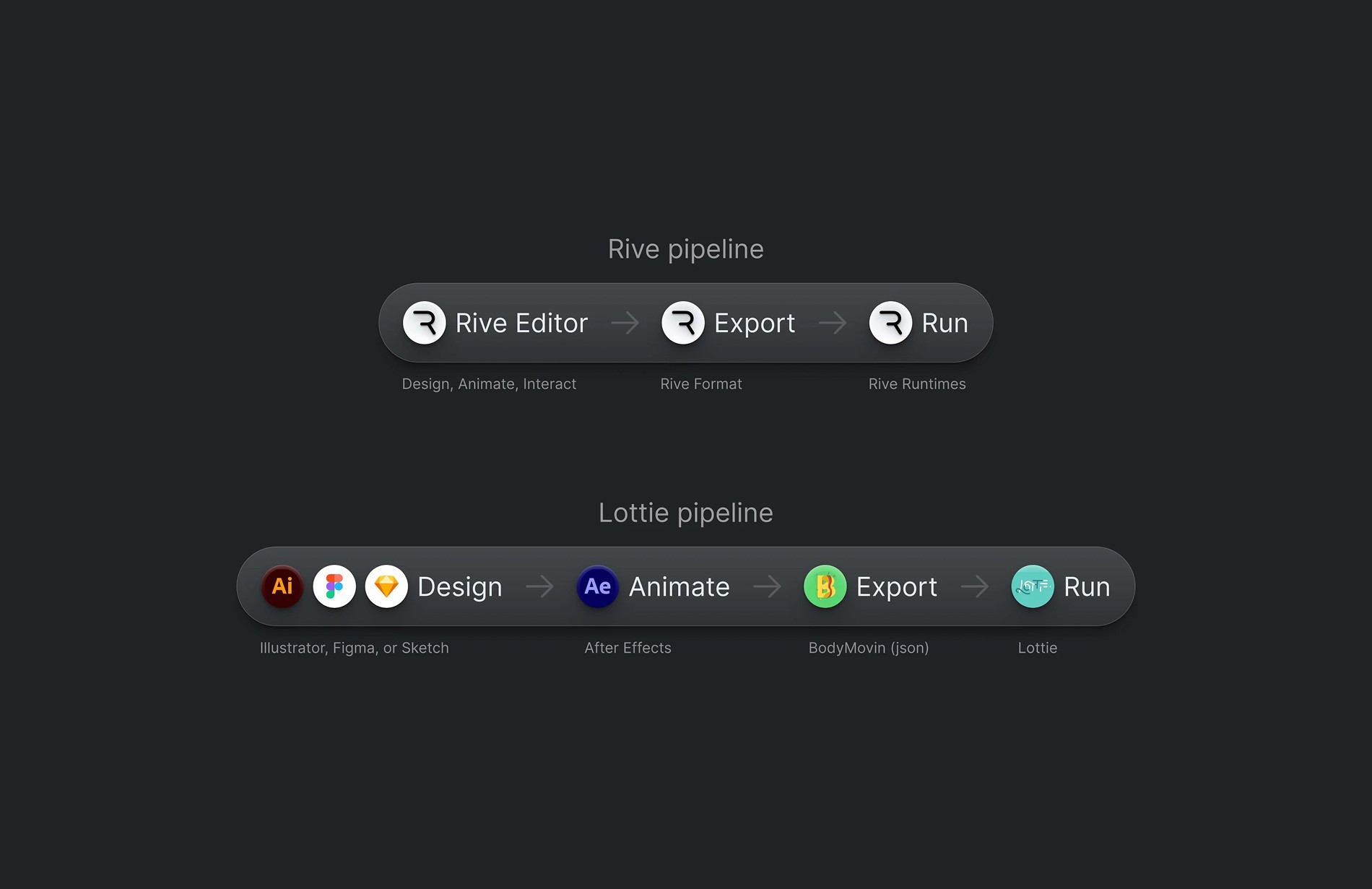
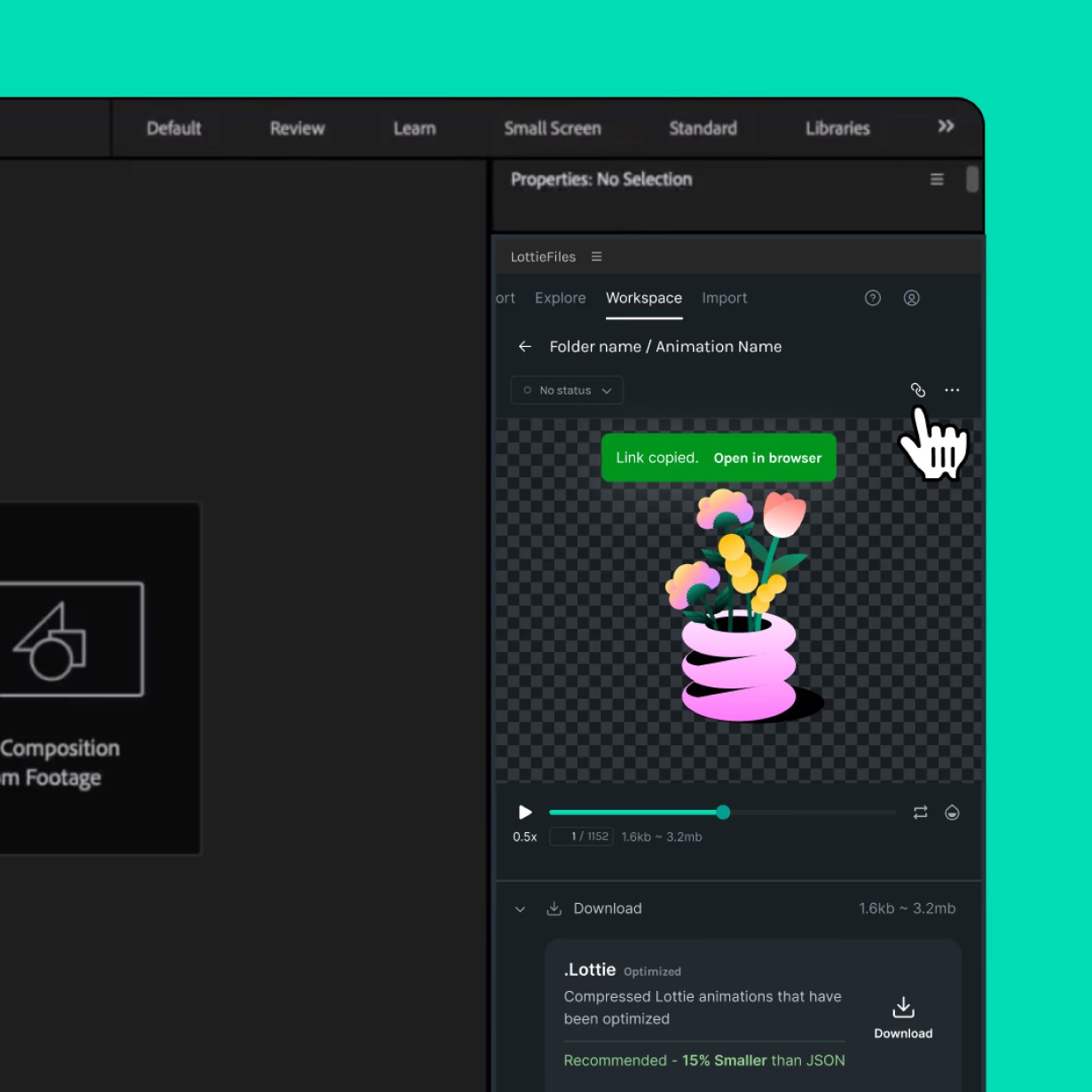
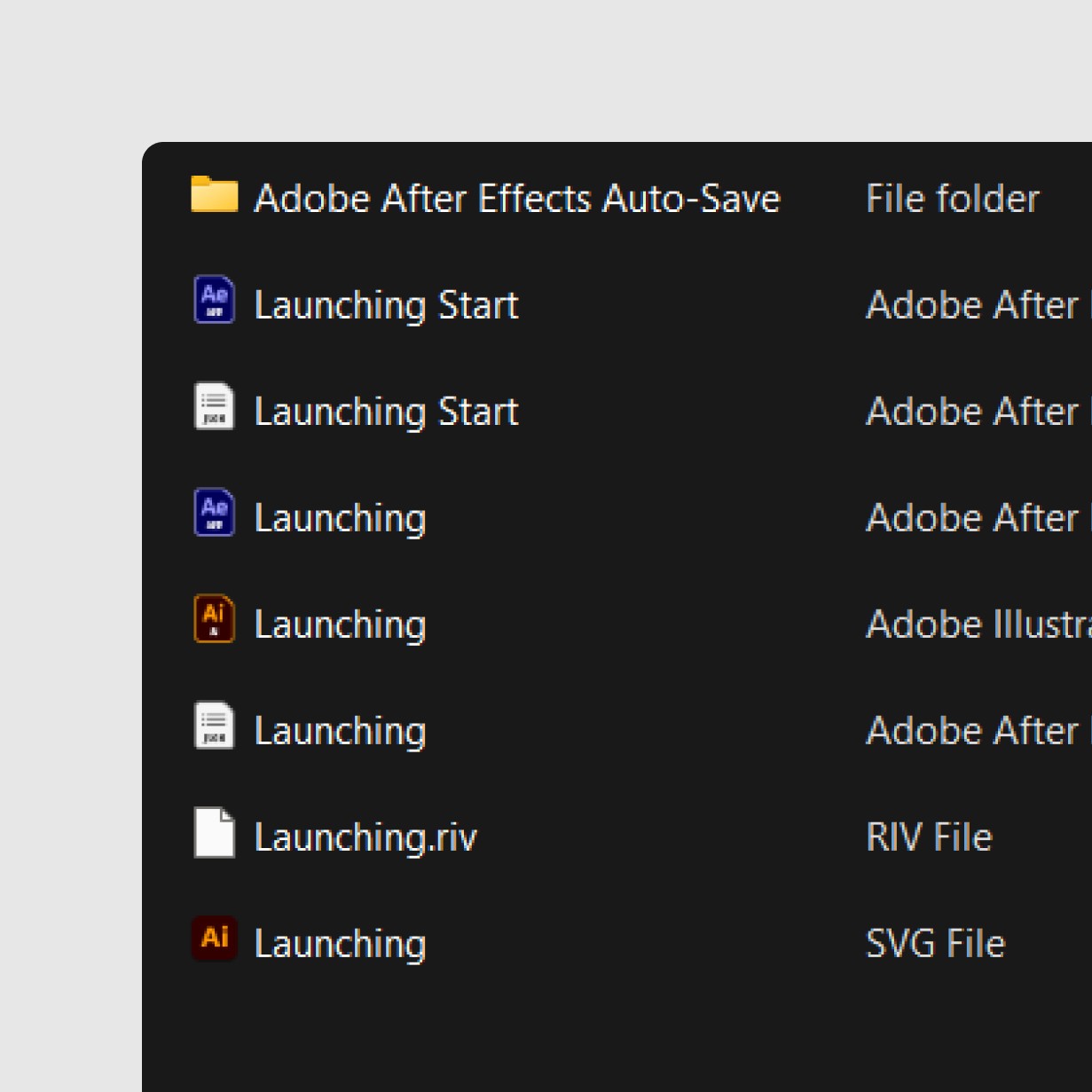
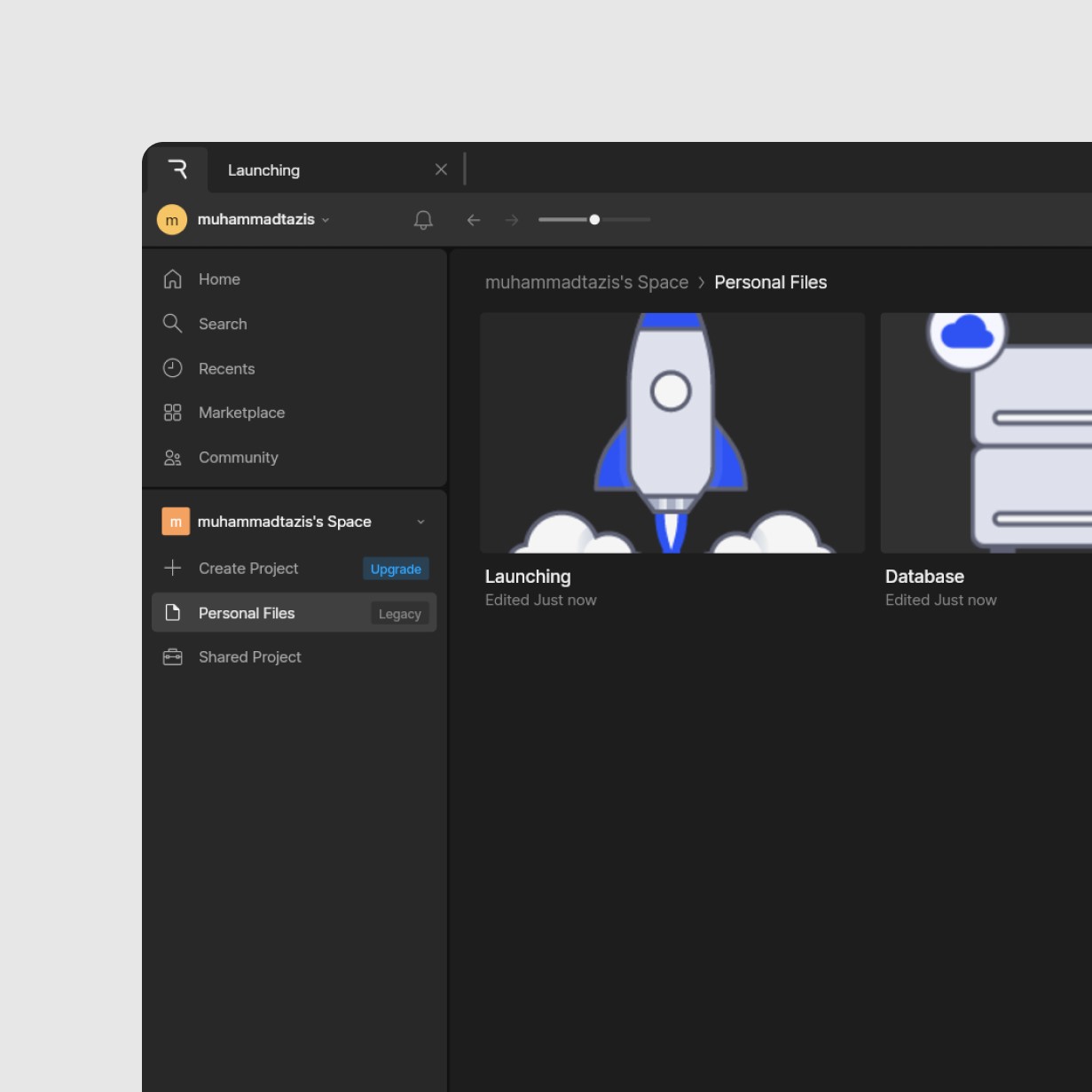
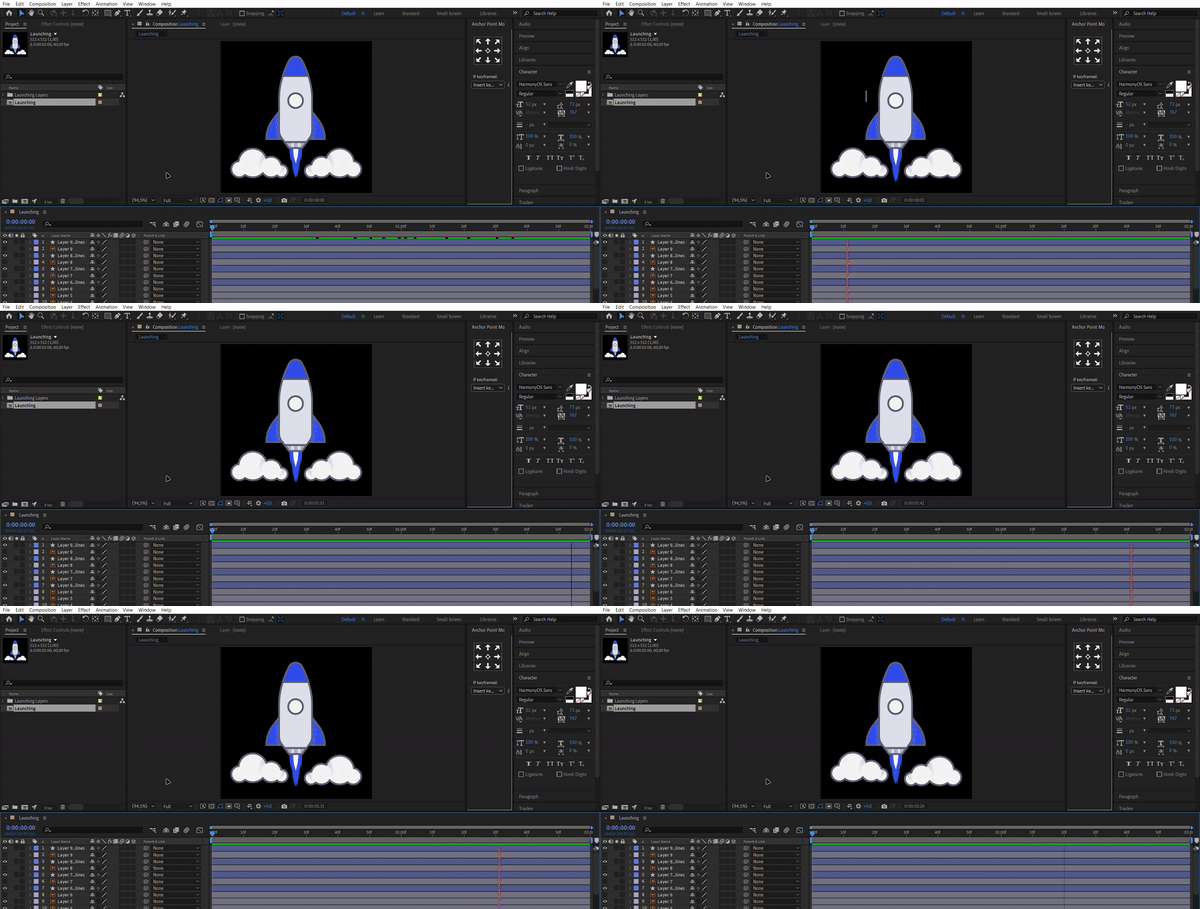
Each interaction was then built separately using Lottie and Rive, observing differences in workflow, animation behavior, and integration flexibility. Particular attention was given to how design decisions translated into interaction logic and how easily adjustments could be made after initial creation.
Each interaction was then built separately using Lottie and Rive, observing differences in workflow, animation behavior, and integration flexibility. Particular attention was given to how design decisions translated into interaction logic and how easily adjustments could be made after initial creation.
Outcome
Outcome
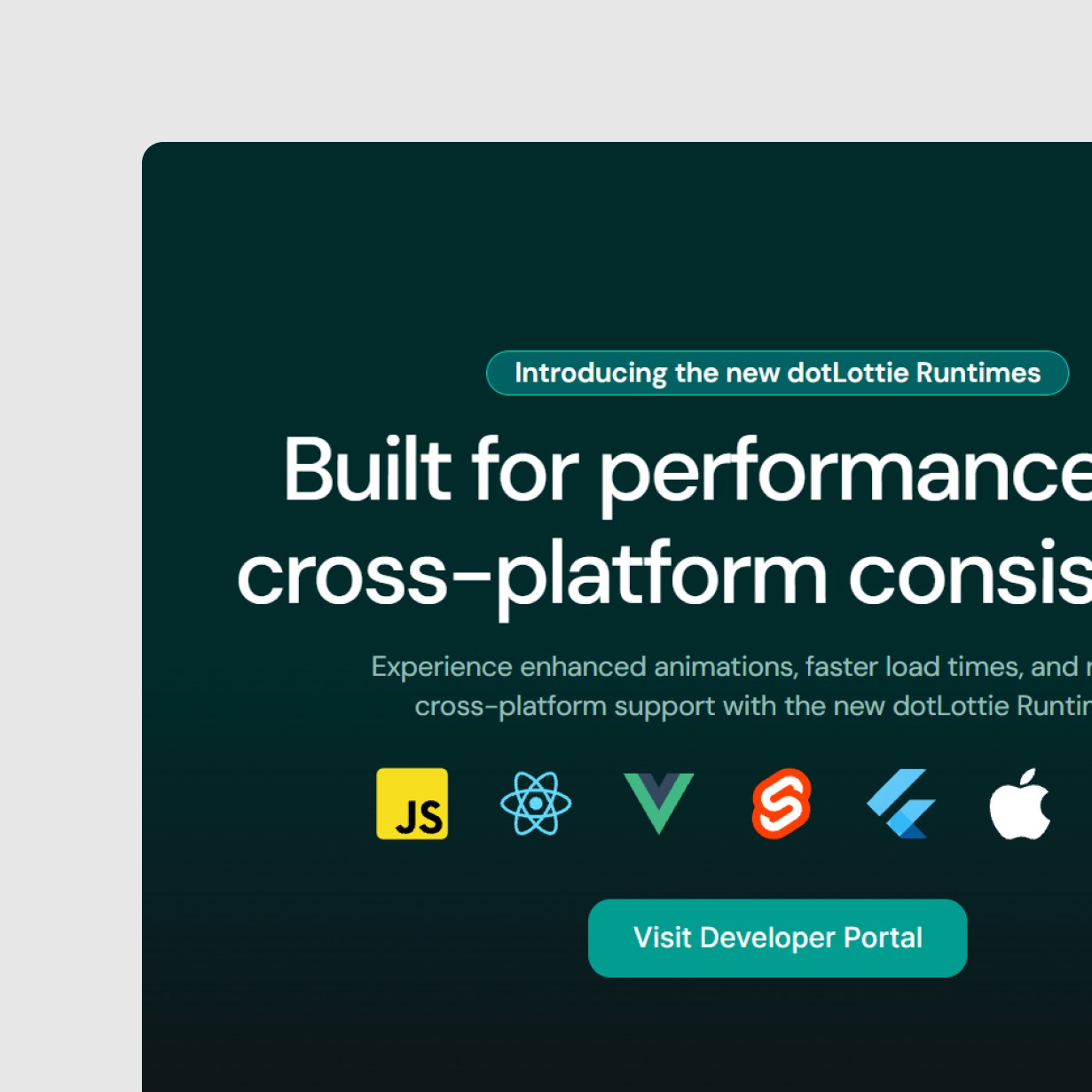
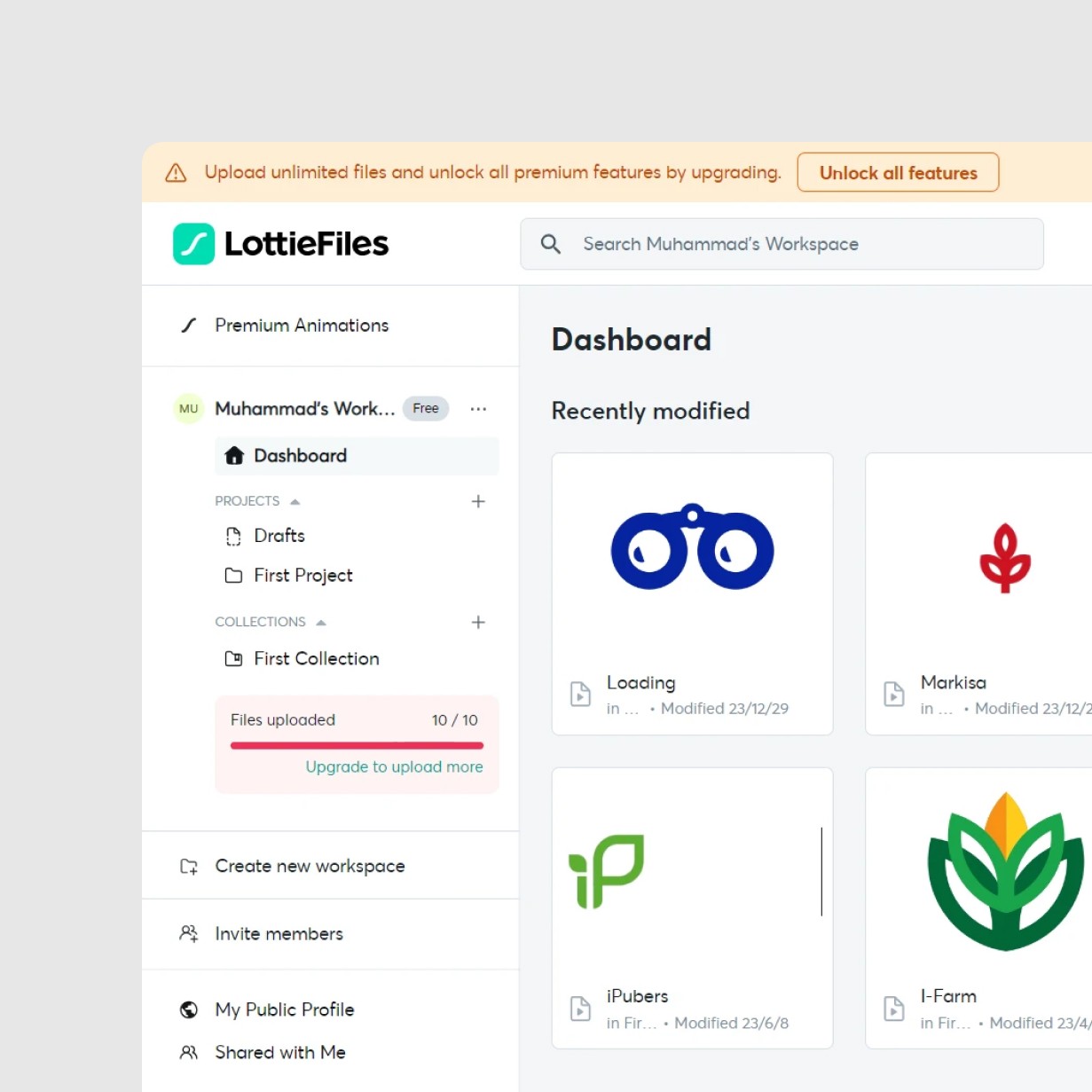
The comparison revealed clear distinctions in how each tool supports interaction design. Lottie proved effective for linear, pre-defined animations that require visual consistency and straightforward implementation.
The comparison revealed clear distinctions in how each tool supports interaction design. Lottie proved effective for linear, pre-defined animations that require visual consistency and straightforward implementation.
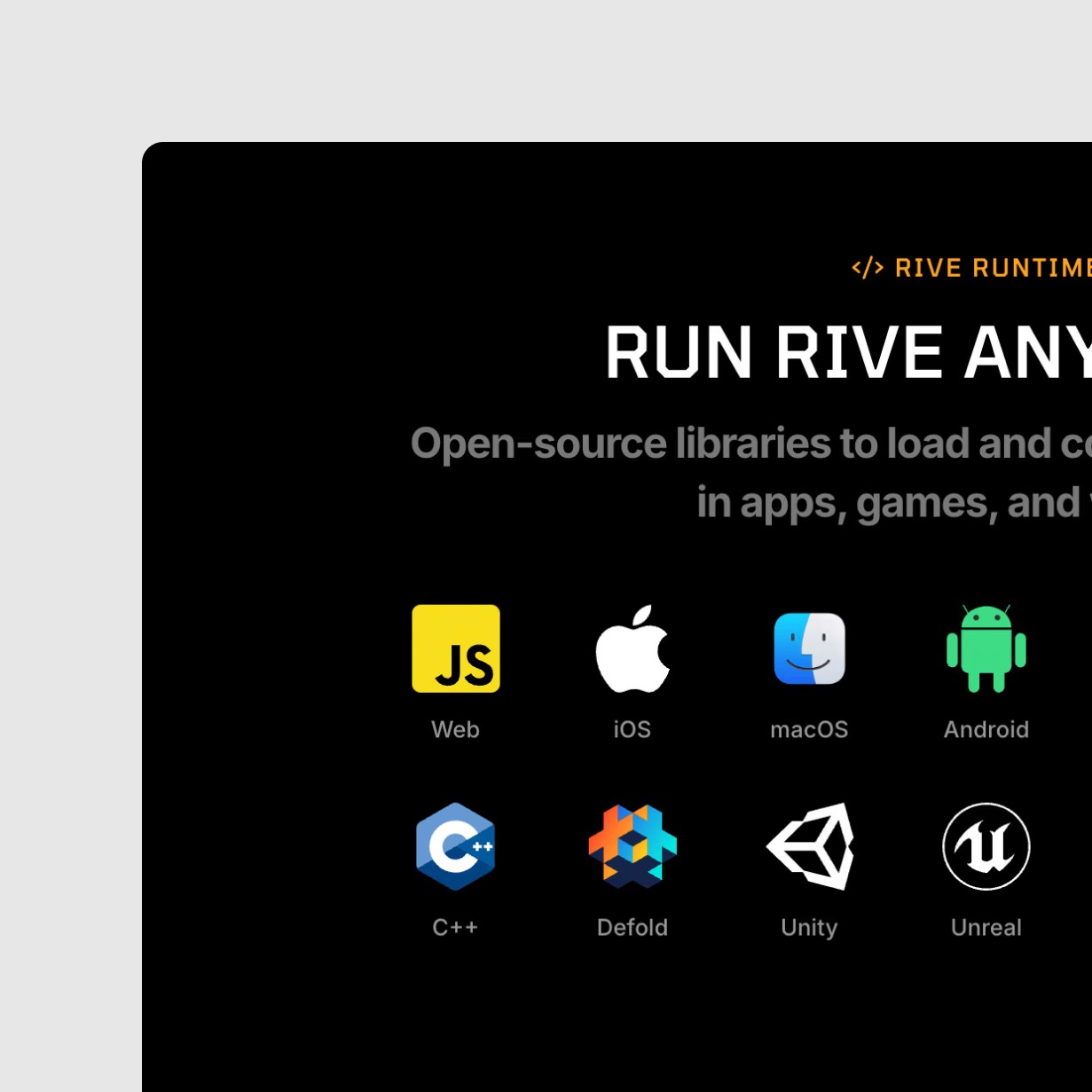
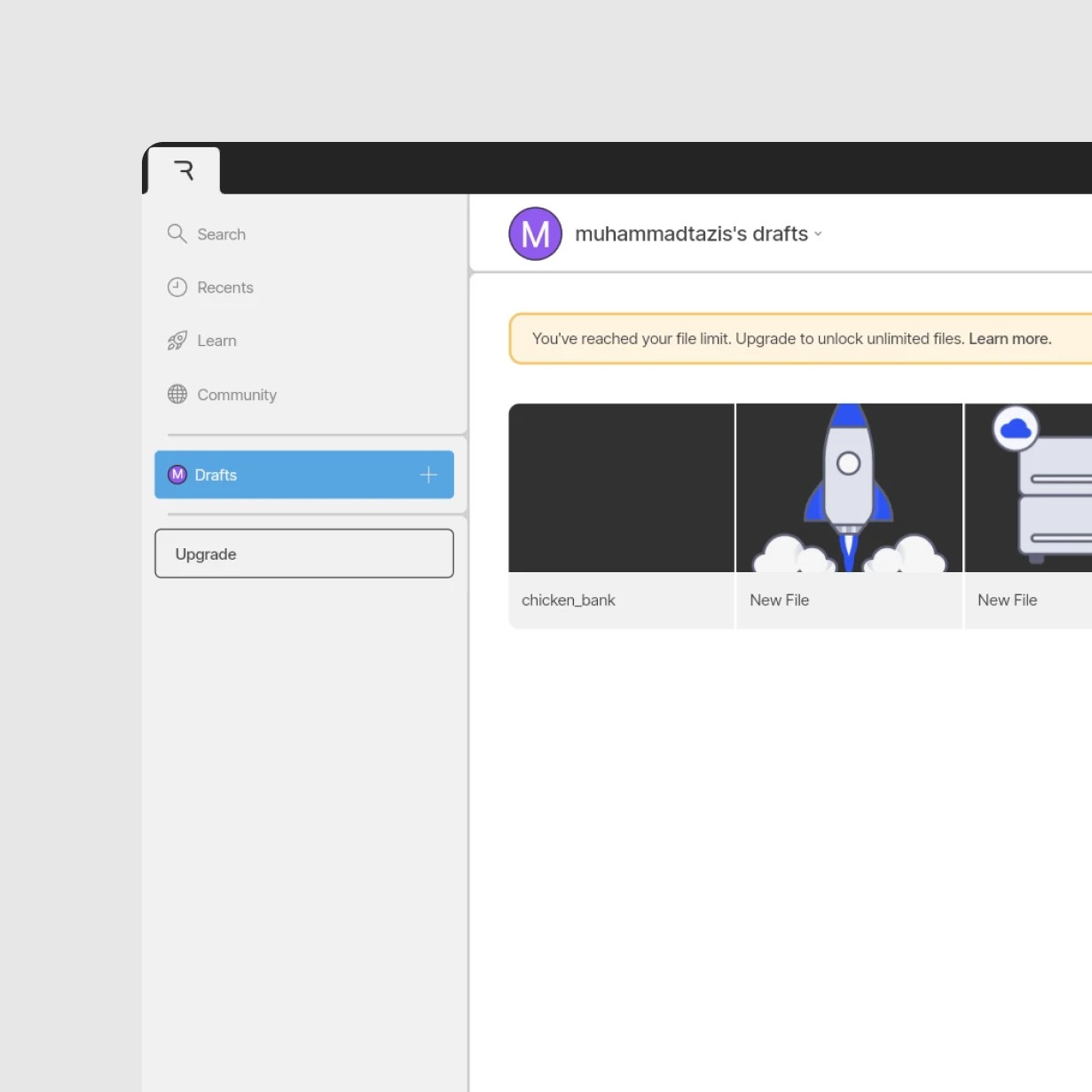
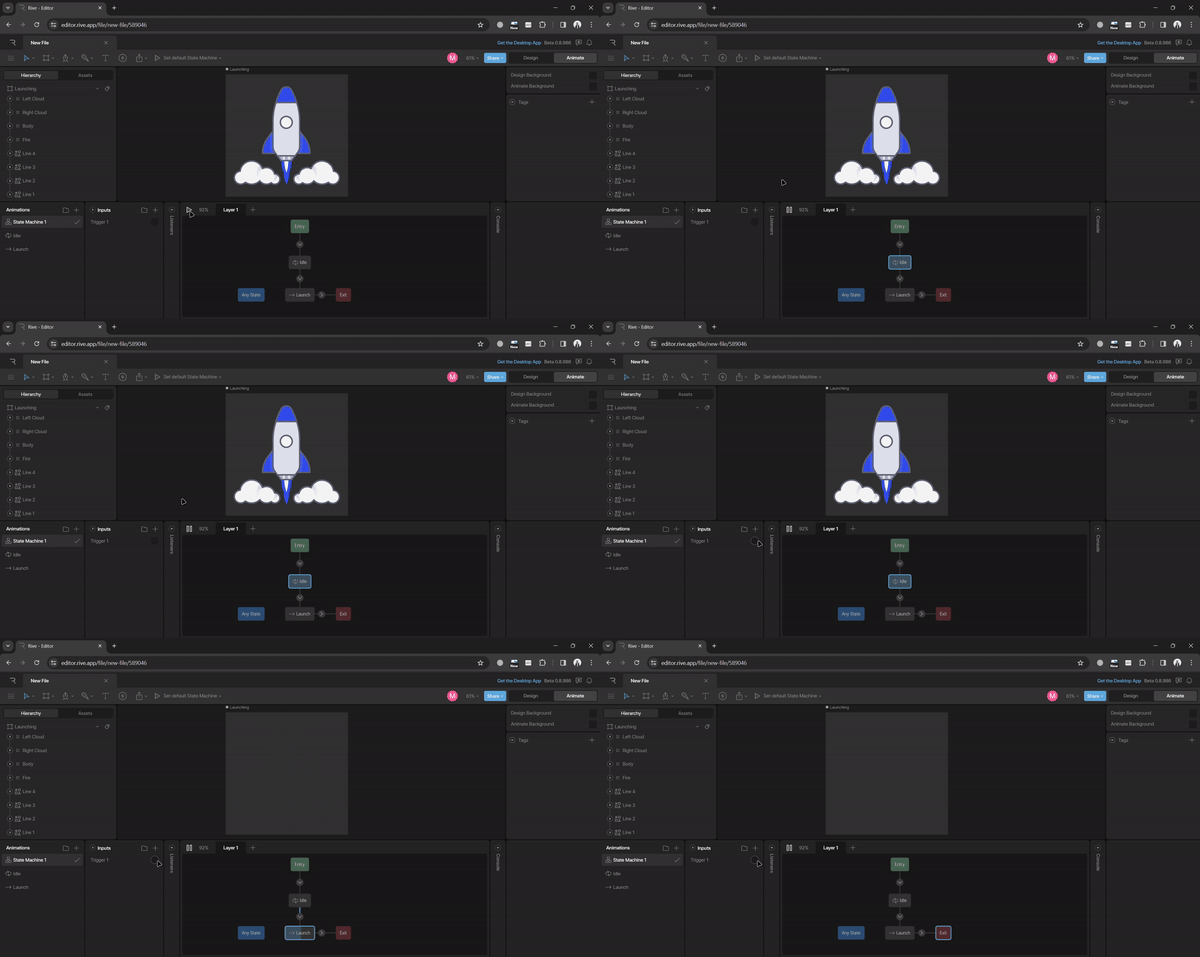
Rive, on the other hand, demonstrated stronger capabilities for interactive and state-driven animations, allowing more dynamic control directly within the animation itself. This made it especially suitable for interfaces that rely on real-time feedback and conditional behavior.
Rive, on the other hand, demonstrated stronger capabilities for interactive and state-driven animations, allowing more dynamic control directly within the animation itself. This made it especially suitable for interfaces that rely on real-time feedback and conditional behavior.
Impact
Impact
This exploration highlights how tool selection can significantly influence both design decisions and collaboration with developers. Understanding the strengths and limitations of each approach helps avoid misalignment between visual intent and technical execution.
This exploration highlights how tool selection can significantly influence both design decisions and collaboration with developers. Understanding the strengths and limitations of each approach helps avoid misalignment between visual intent and technical execution.
By framing animation choices around interaction needs rather than trends, designers can create more intentional micro-interactions that enhance usability while remaining feasible within product constraints.
By framing animation choices around interaction needs rather than trends, designers can create more intentional micro-interactions that enhance usability while remaining feasible within product constraints.
Reflection
Reflection
This case study reinforces the importance of aligning animation tools with product context and interaction complexity. No single solution fits all scenarios, and thoughtful evaluation is essential before committing to a specific approach.
This case study reinforces the importance of aligning animation tools with product context and interaction complexity. No single solution fits all scenarios, and thoughtful evaluation is essential before committing to a specific approach.
Moving forward, combining exploratory testing with real project constraints can lead to more confident design decisions, ensuring that micro-interactions remain purposeful, scalable, and closely tied to user experience goals.
Moving forward, combining exploratory testing with real project constraints can lead to more confident design decisions, ensuring that micro-interactions remain purposeful, scalable, and closely tied to user experience goals.